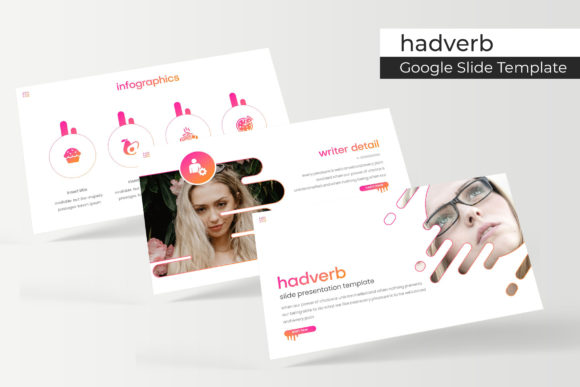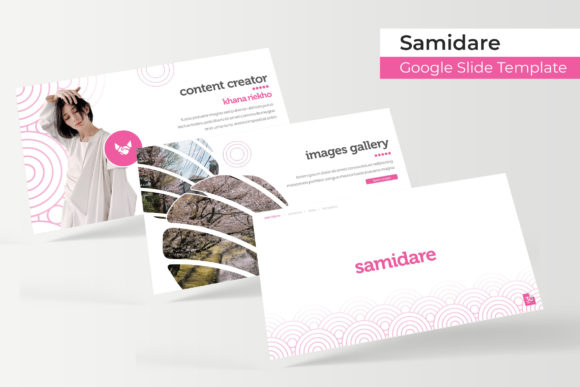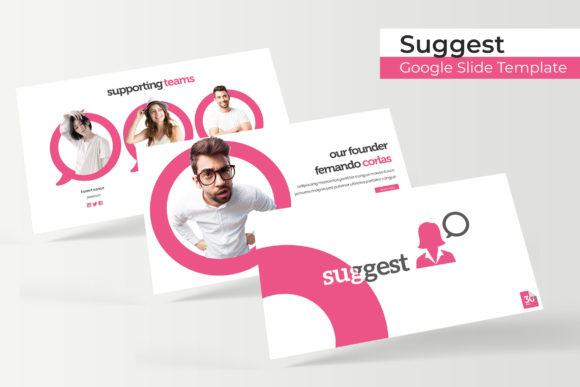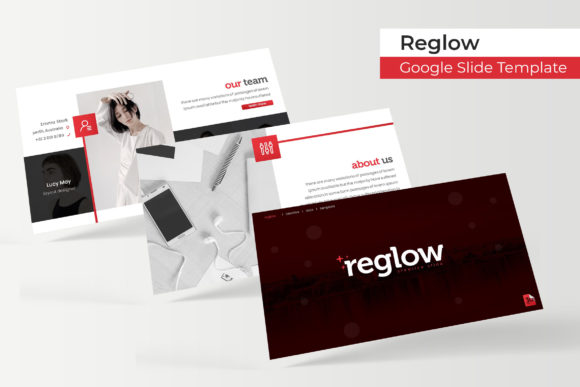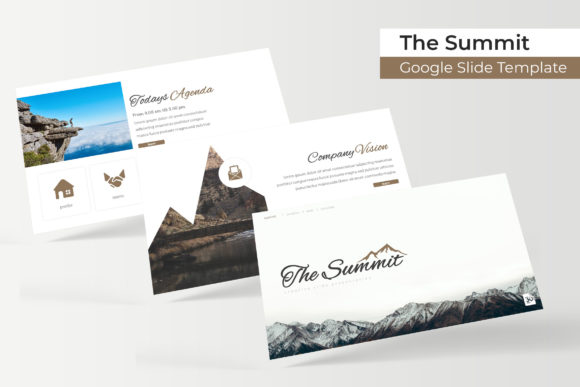
The Summit Google Slide Template: Elevate Your Next Presentation
Imagine walking into a boardroom or opening a webinar, confident that your presentation will not only convey your message but also captivate your audience from the very first slide. The Summit Google Slide Template is designed to make that scenario a reality. It’s more than just a collection of slides; it's a comprehensive design asset built for professionals who value polished, impactful communication. This template provides a robust framework to showcase your ideas with the visual sophistication of a premium design studio, ensuring your project looks cohesive and professional.
At its core, this template is about flexibility and creative control. With over 150 total slides organized across five distinct, premade color themes, you have a wealth of options at your fingertips. Each color variation includes 30 meticulously crafted slides, allowing you to select a palette that perfectly aligns with your brand identity or the mood of your project. The design system is built on master slides, which means every element is pixel-perfect and editable. You can easily resize graphics, drag and drop your own images into stylish placeholders, and maintain flawless consistency throughout your entire deck.
Designed for Impact and Efficiency
The true value of a great design asset lies in its ability to solve real-world problems. The Summit template excels in this regard. It includes handcrafted infographics that transform complex data into clear, engaging visuals, as well as dedicated section break slides to guide your audience smoothly through your narrative. For creatives, the inclusion of a gallery and portfolio slide is particularly useful, offering a sleek way to present work samples, case studies, or product features without building a layout from scratch.
This template is ideal for a wide range of professional and creative applications:
- Business Pitches & Investor Decks: Convey stability and vision with a clean, modern typography style that inspires confidence.
- Marketing & Social Media Graphics: Create consistent, on-brand presentations for campaigns that can be easily repurposed for social media visuals.
- Educational & Workshop Materials: Structure lessons and guides with clear infographics and organized sections for better learner engagement.
- Portfolio & Case Study Showcases: Let your work shine with dedicated, beautifully formatted slides that highlight your projects professionally.
Practical Tips for Using Your Template
To get the most out of any premium template, a thoughtful approach is key. First, always start by selecting the color theme that best matches your brand’s personality or the presentation’s emotional tone. The included "Readme First" file and free font download link ensure you can replicate the exact look shown in the previews, maintaining that pixel-perfect design integrity.
Consider how the template’s structure can streamline your workflow. Use the master slides to apply global changes effortlessly. When inserting your content, leverage the picture placeholders for a swift drag-and-drop process. This not only saves time but also guarantees that all images are perfectly aligned and sized. The template’s strength lies in its structured flexibility—it provides a professional scaffold, but the story you build with it is entirely your own. By choosing a well-designed system like this, you’re investing in visual consistency, which is fundamental to strong brand recognition and a credible, professional presentation.